BootMed Live Cd – Help Diagnose and Repair a Damaged Windows Install
 BootMed
is a live-cd based off of Ubuntu Linux that is designed to help
diagnose and repair a faulty Windows PC. It can also be installed on a
bootable flash drive. BootMed includes programs that will scan for
viruses, recover data, and create forensic images of a damaged hard
drive. The applications and environment that BootMed provides is
designed to give the technician a simple and intuitive Linux GUI
interface allowing for easy virus scanning, data recovery, file system
browsing, and even the ability to run Windows programs inside of Linux
using Wine.
BootMed
is a live-cd based off of Ubuntu Linux that is designed to help
diagnose and repair a faulty Windows PC. It can also be installed on a
bootable flash drive. BootMed includes programs that will scan for
viruses, recover data, and create forensic images of a damaged hard
drive. The applications and environment that BootMed provides is
designed to give the technician a simple and intuitive Linux GUI
interface allowing for easy virus scanning, data recovery, file system
browsing, and even the ability to run Windows programs inside of Linux
using Wine. Here is a list of programs pre-installed of BootMed:
- ClamWin: Clam Anti-Virus that will scan for viruses on a Windows partition.
- Ddrescue: Disk recover tool that will rescue data from damaged or corrupted drives. Can also securly erase a hard drive or flash drive.
- Foremost: An application that recovers delted files.
- NTFSProgs: A program that includes the following NTFS filesystem utilities:
- mkntfs: Create an NTFS volume on a partition
- ntfscat: Print a file on the standard output
- ntfsclone: Efficiently backup/restore a volume at the sector level
- ntfscluster: Given a cluster, or sector, find the file
- ntfsfix: Forces Windows to check NTFS at boot time
- ntfsinfo: Dump a file’s attributes, completely
- ntfslabel: Display or set a volume’s label
- ntfslib: Move all the common code into a shared library
- ntfsls: List directory contents
- ntfsresize: Resize an NTFS volume
- ntfsundelete: Find files that have been deleted and recover them
- ntfswipe: Write zeros over the unused parts of the disk
- ntfsdefrag: Defragment files, directories and the MFT
- ntfsck: Perform consistancy checks on a volume
- nttools: Command-line tools to view/change an offline NTFS volume, e.g. ntfscp, ntfsgrep, ntfstouch, ntfsrm, ntfsrmdir, ntfsmkdir
- ntfsdiskedit: Walk the tree of NTFS ondisk structures (and alter them)
- PhotoRec: A program that recovers deleted files.
- Scalpel: A fast file carver that reads header and footer definitions and extracts matching files. Used for both digital forensics investigation and file recovery.
- Stinger: A stand-alone Anti Virus from McAfee that can scan for viruses.
- TestDisk: Recover delted files and partitions.
- Wine: Windows emulator that allows Windows programs to run in a Linux environment.
Screenshots
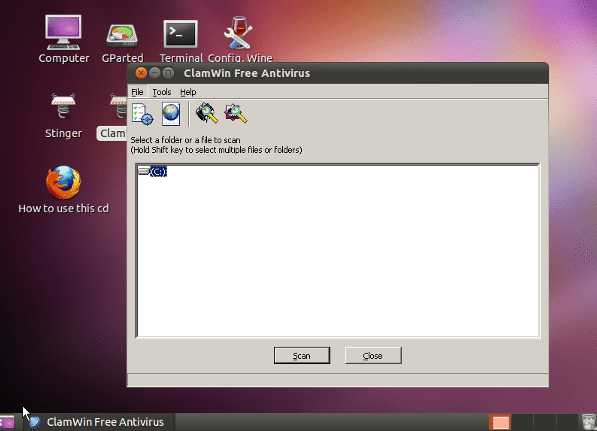
ClamWin
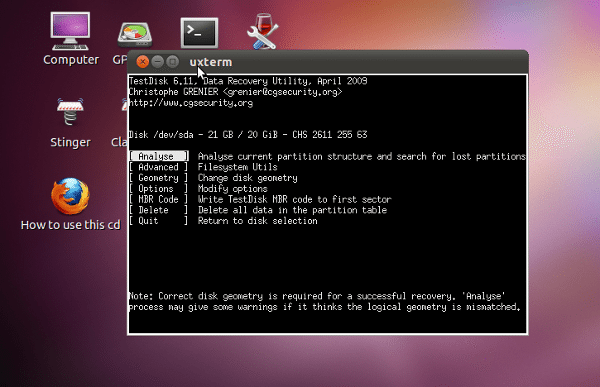
TestDisk
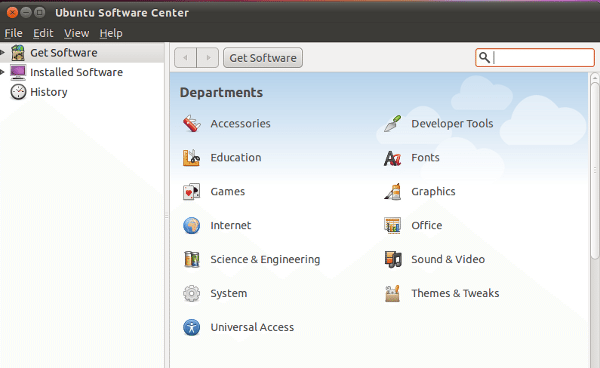
Ubuntu Software Manager
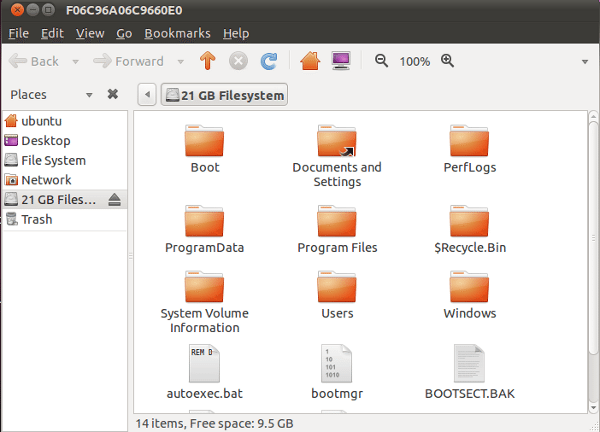
Browse a Windows Drive. Copy, Paste, Recover, and Modify.

No comments:
Post a Comment